Independent living
Reach family members easily without having to hold your phone.



Finowfurter Ring 45, 16244 Schorfheide, Deutschland
Voraussichtliche Lieferung: 22. Nov. – 27. Nov.
Online-exklusiv und preiswert. Versandlager ohne Kundenempfang: keine Abholung, nur Onlinebestellung mit Lieferung nach Hause.
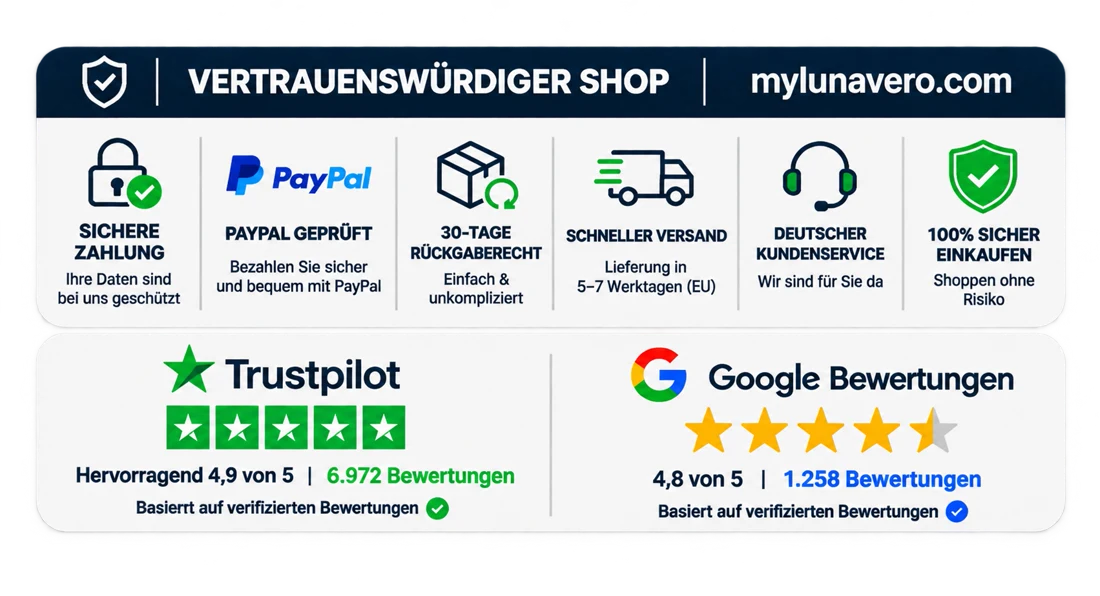
Fragen vor oder nach dem Kauf? Schreib uns an support@mylunavero.com. Zahlungsarten und die vollständigen Kosten siehst du an der Kasse.
Eine Rückgabe kannst du innerhalb von 30 Tagen nach Erhalt anfragen. Bitte kontaktiere uns vor dem Rückversand.
Product details
Home safety made simple
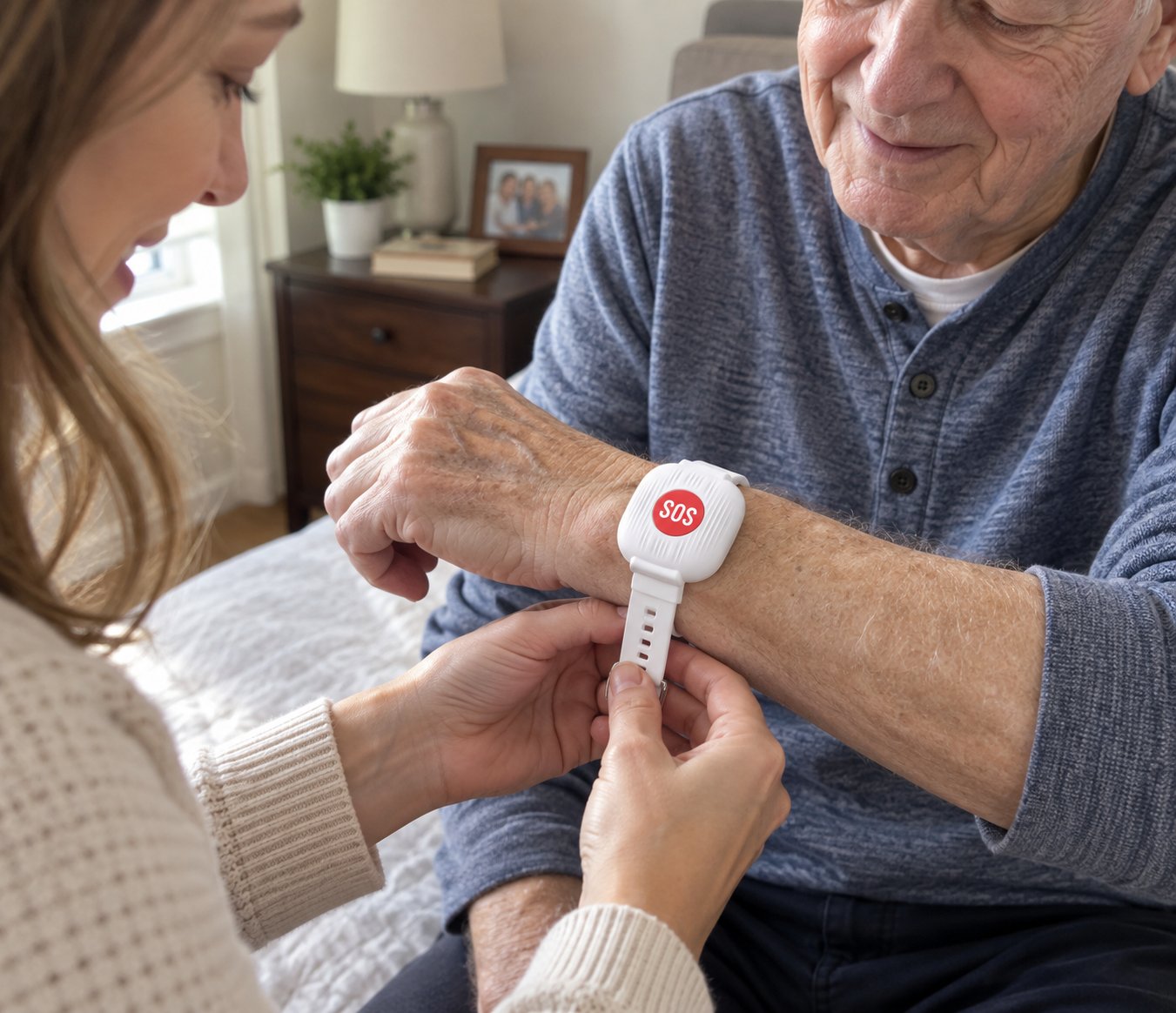
When your phone is across the room, an easy-to-reach SOS button can make a difference. Wear it on your wrist at home and press it to send an app notification to a family member.

A simple press turns a stressful moment into a clear signal for help.
The large red button is easy to find and press when your phone is hard to reach.
Press the button to send a notification through the connected app.
Up to 6 months of standby means less frequent charging.
The adjustable white wristband keeps the button visible and within easy reach.
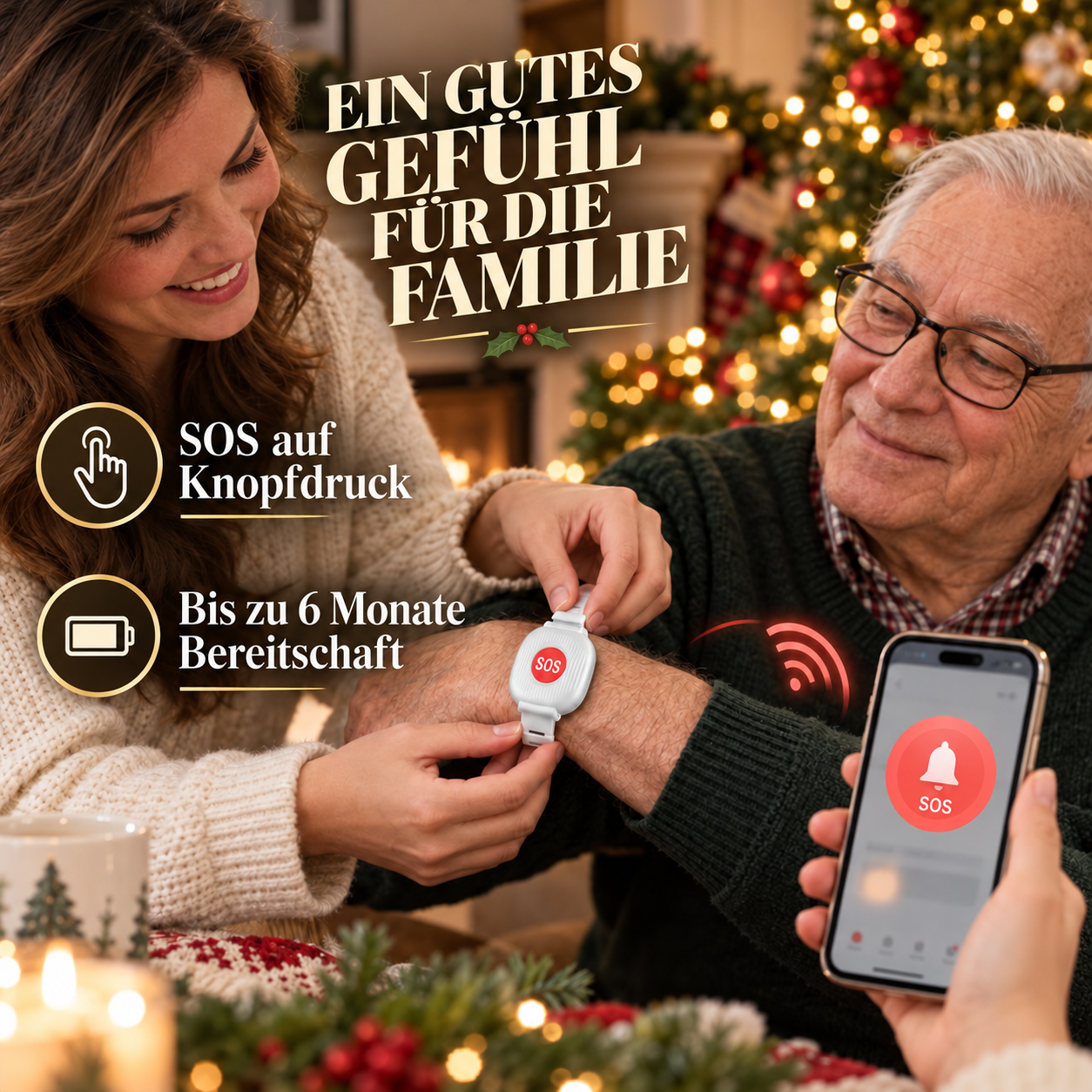
One small button. A quick way to reach out.
The SOS button stays on your wrist, so you do not have to find your phone first to alert a connected family member.
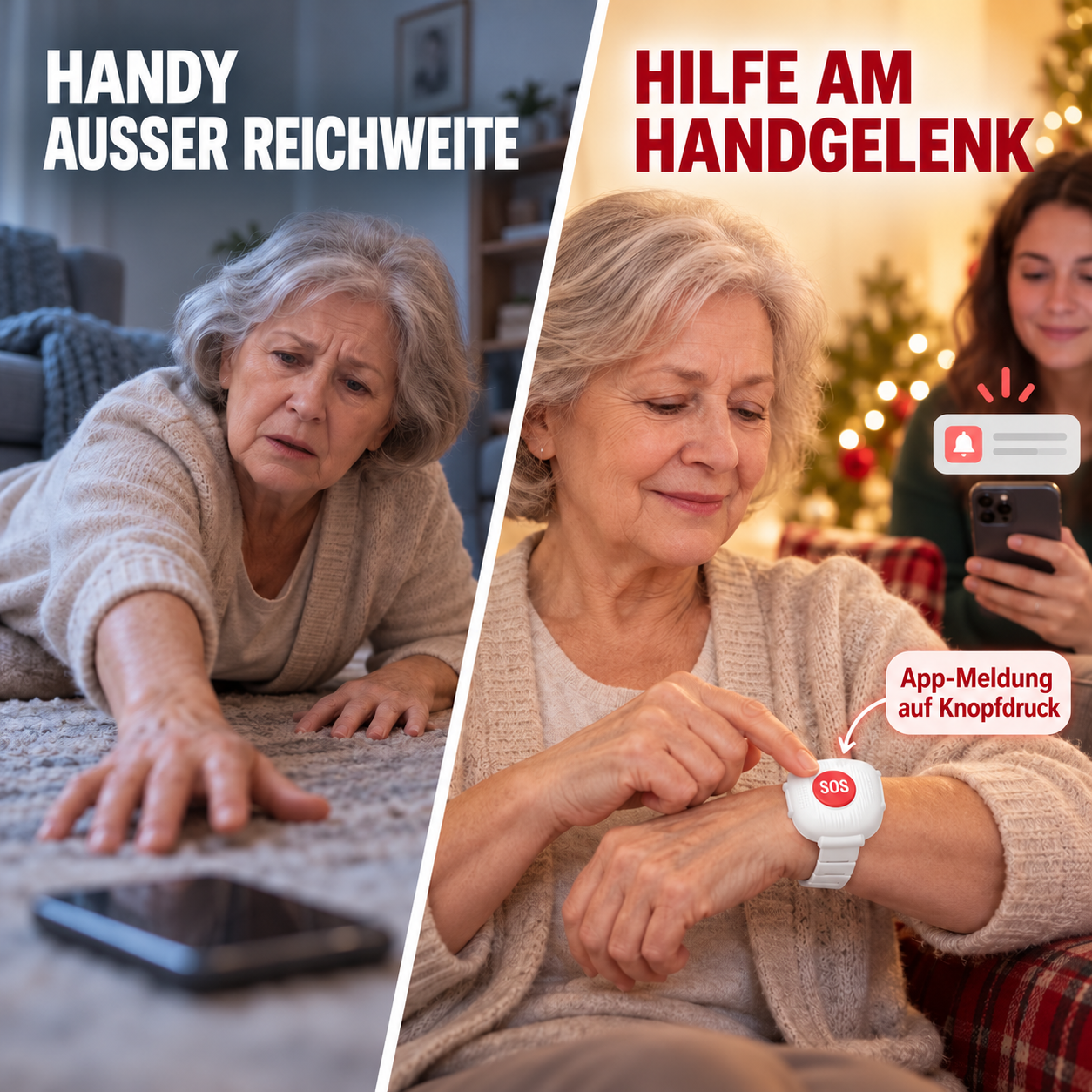
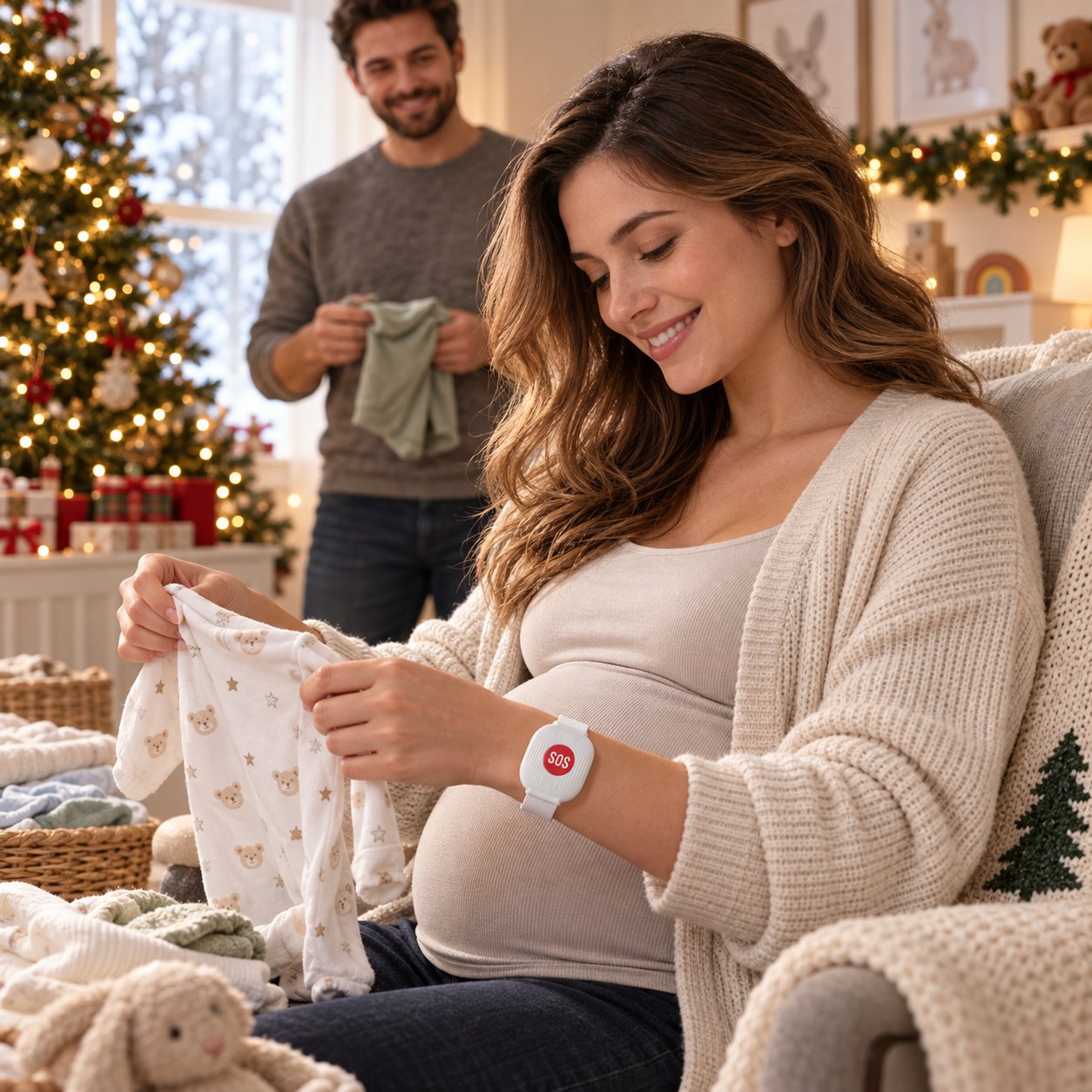
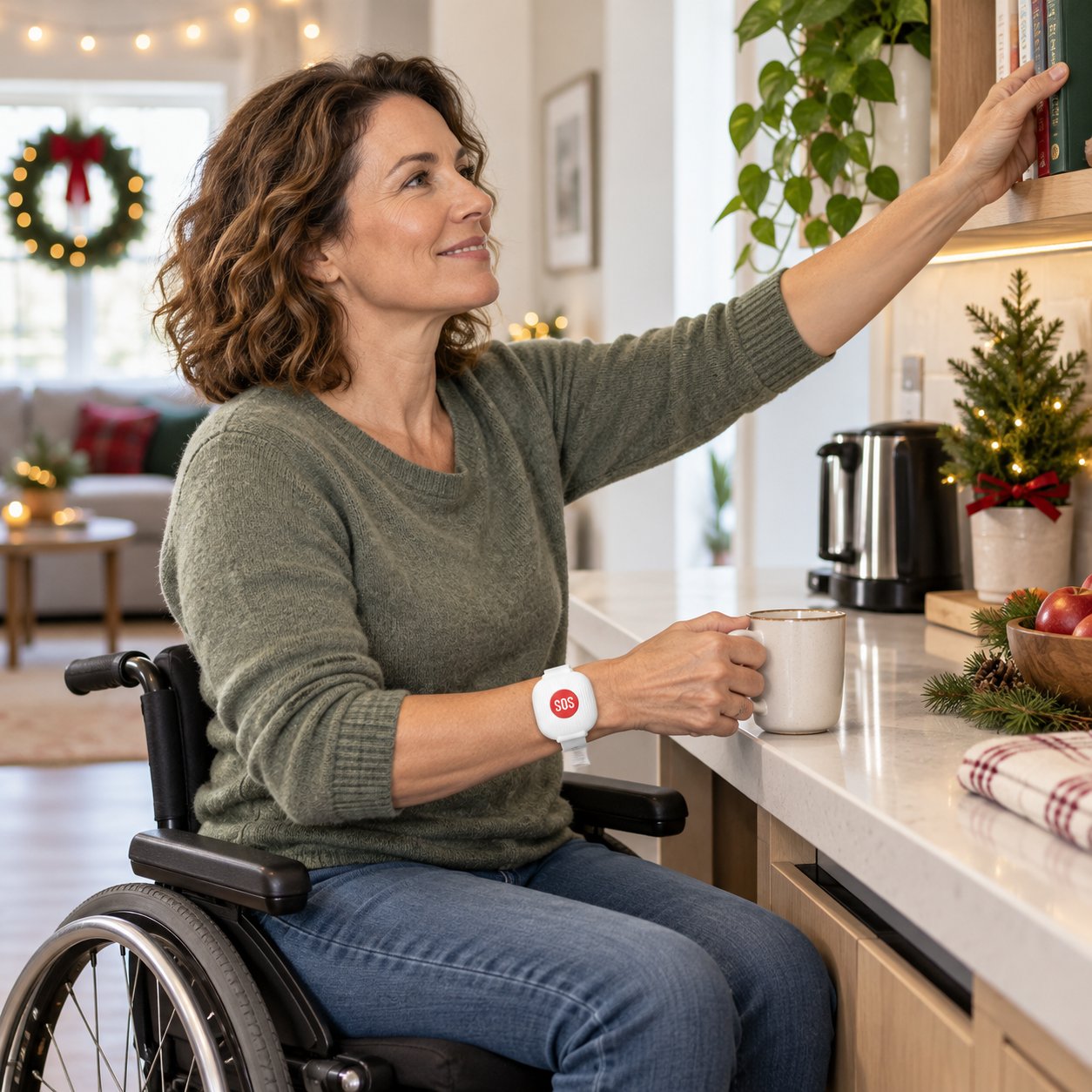
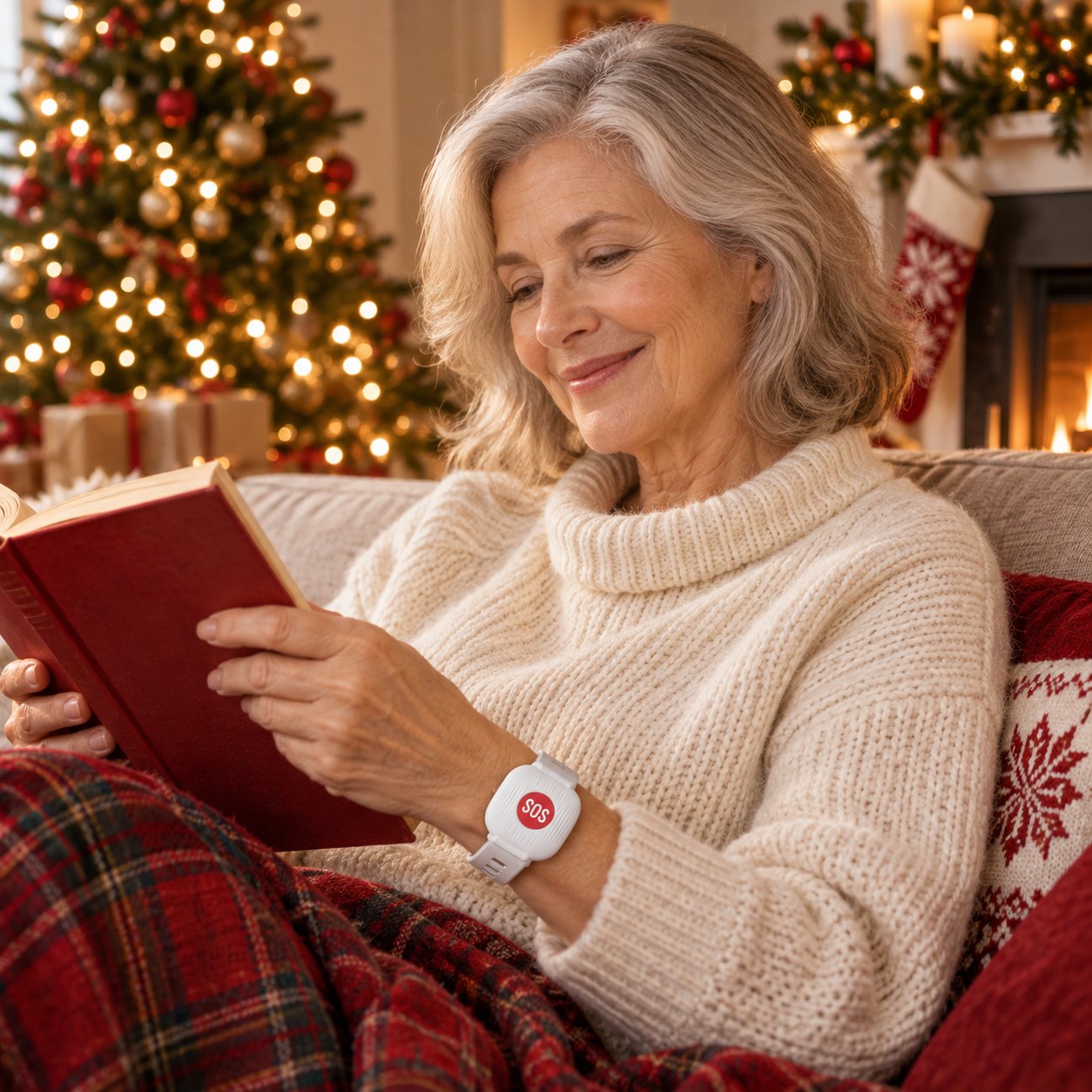
An easy-to-reach alert button for independent living, care facilities, growing families and a more accessible everyday life.
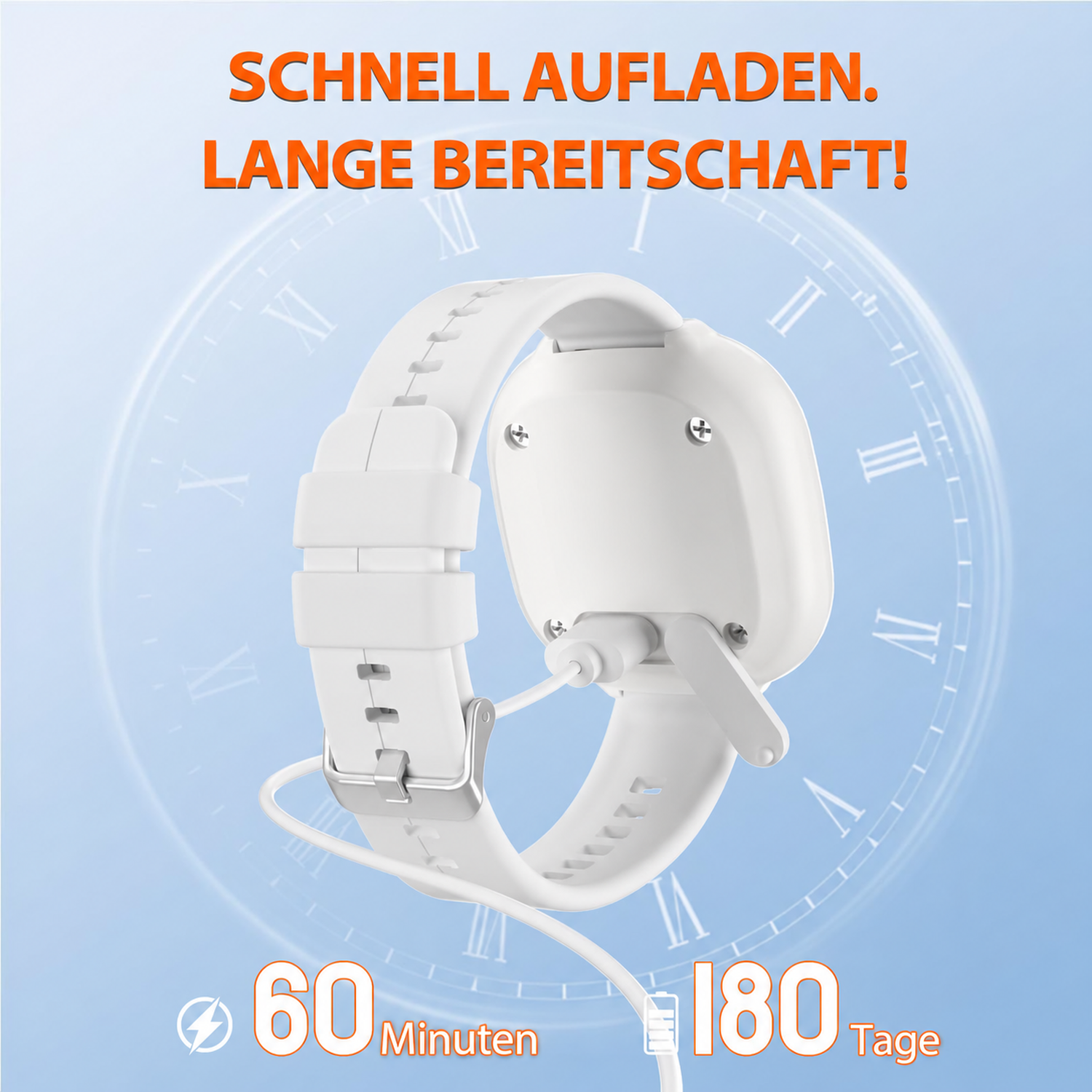
Charge less often. Keep it ready.
Quick USB charging and long standby time make daily use easier. The button connects to your home 2.4 GHz Wi-Fi network. The linked smartphone can receive app notifications elsewhere as long as it is online.
Pair the button in its companion app while your smartphone is connected to your home 2.4 GHz Wi-Fi network. Follow the app instructions, add the device and test a notification.
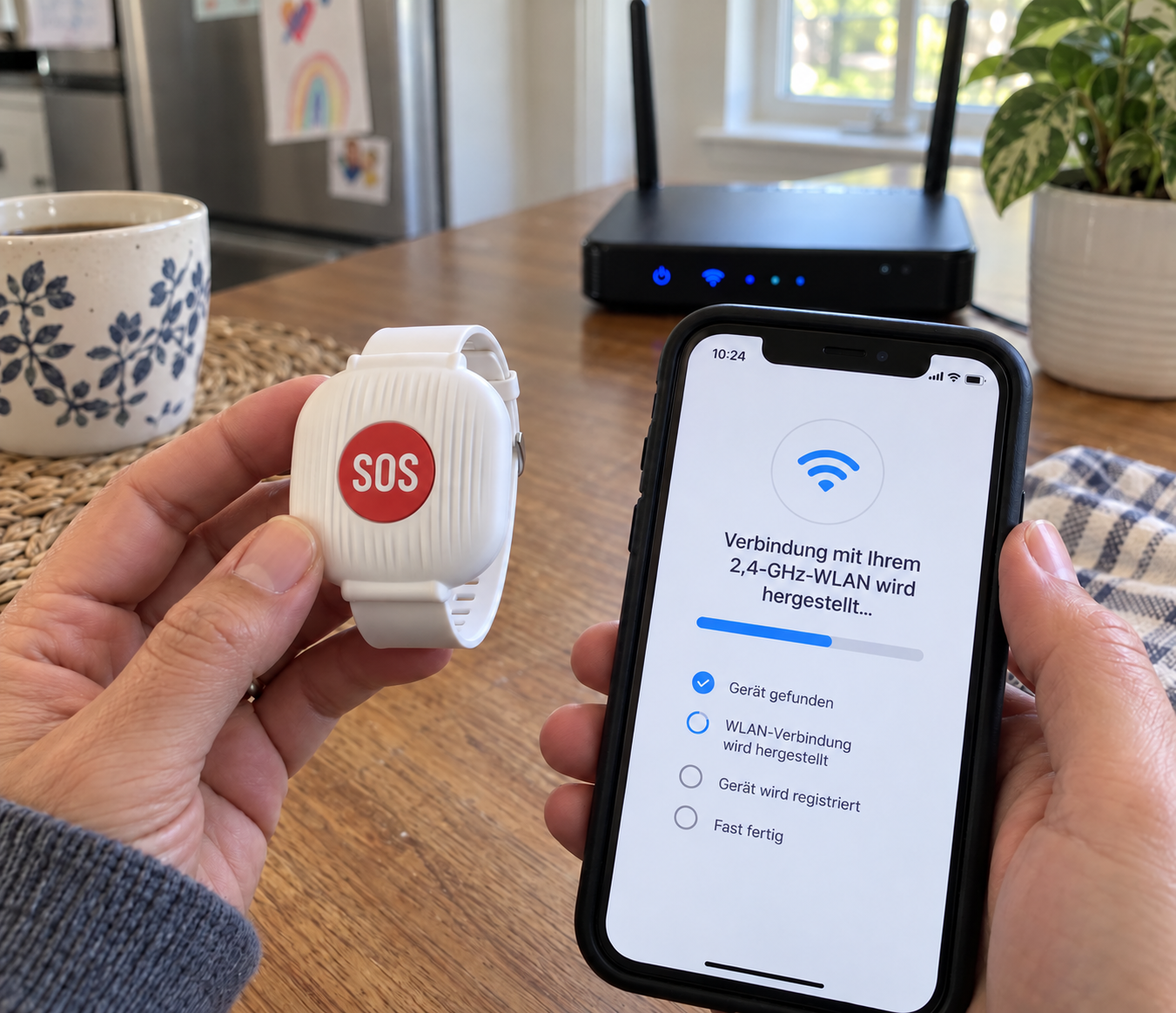
Yes. The button must remain within range of the Wi-Fi network it was set up with. The connected smartphone can receive the app notification elsewhere as long as it has internet access.
The adjustable white strap offers several settings. Fasten it securely with the red SOS button facing outward and easy to press.
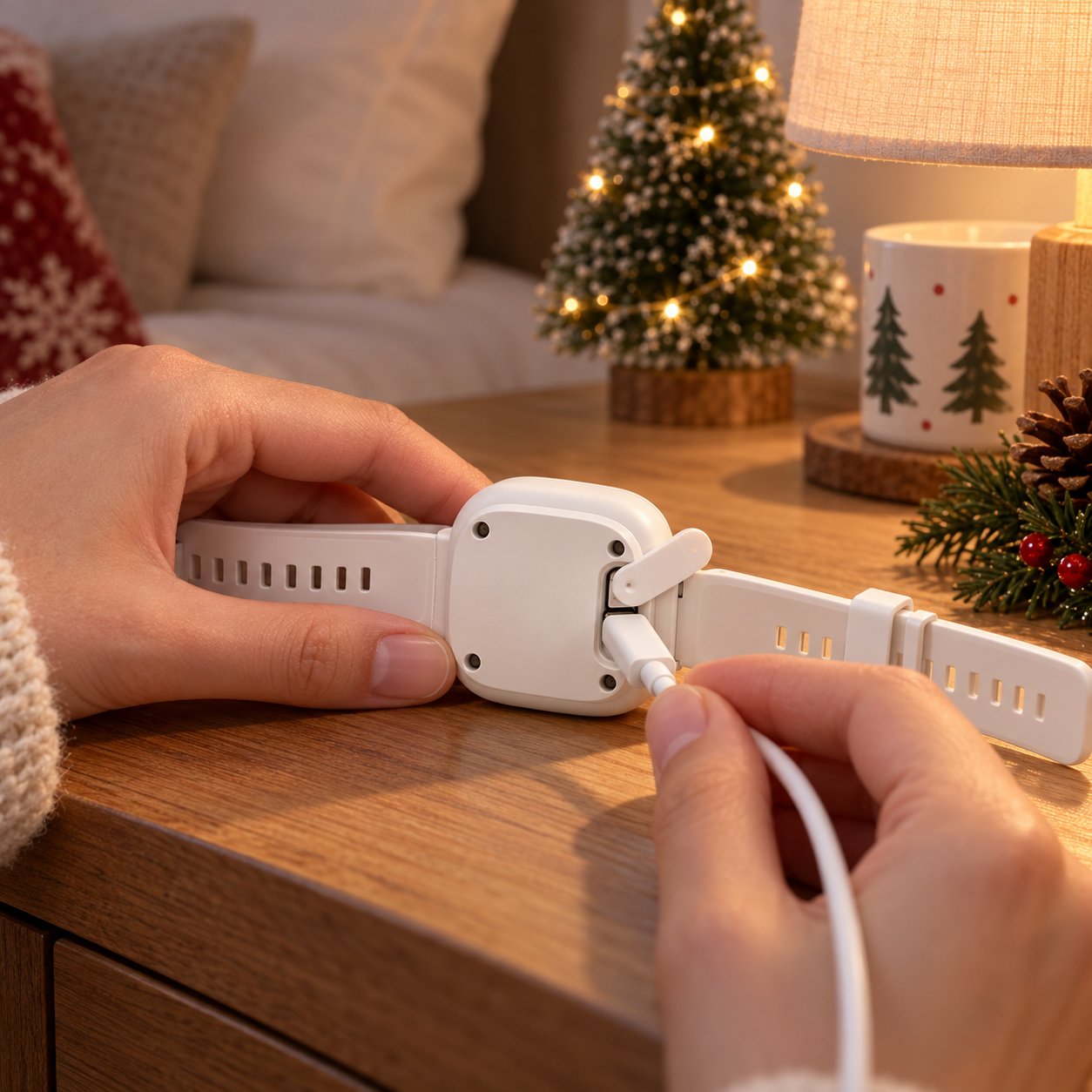
Turn the button over, open the protective cover on the back and connect a suitable USB charging cable to the exposed port. A full charge takes around 60 minutes. Charging and standby times may vary with usage and network conditions.
It is designed for everyday splashes. Do not submerge, wear while swimming or expose it to strong water jets.
Contact our support team. We can help with pairing, notification tests and charging questions, and find a suitable solution if an item arrives damaged or does not work as expected.
Products for everyday life at home should be simple. If you have issues with pairing, charging, delivery or the product, our support team can help with setup, a replacement where needed or the appropriate next step.
A thoughtful gift idea for home
Choose the right quantity for your household, set up the button together and keep a signal for help within reach.
loading